
How it works
From the guest's phone to the counter
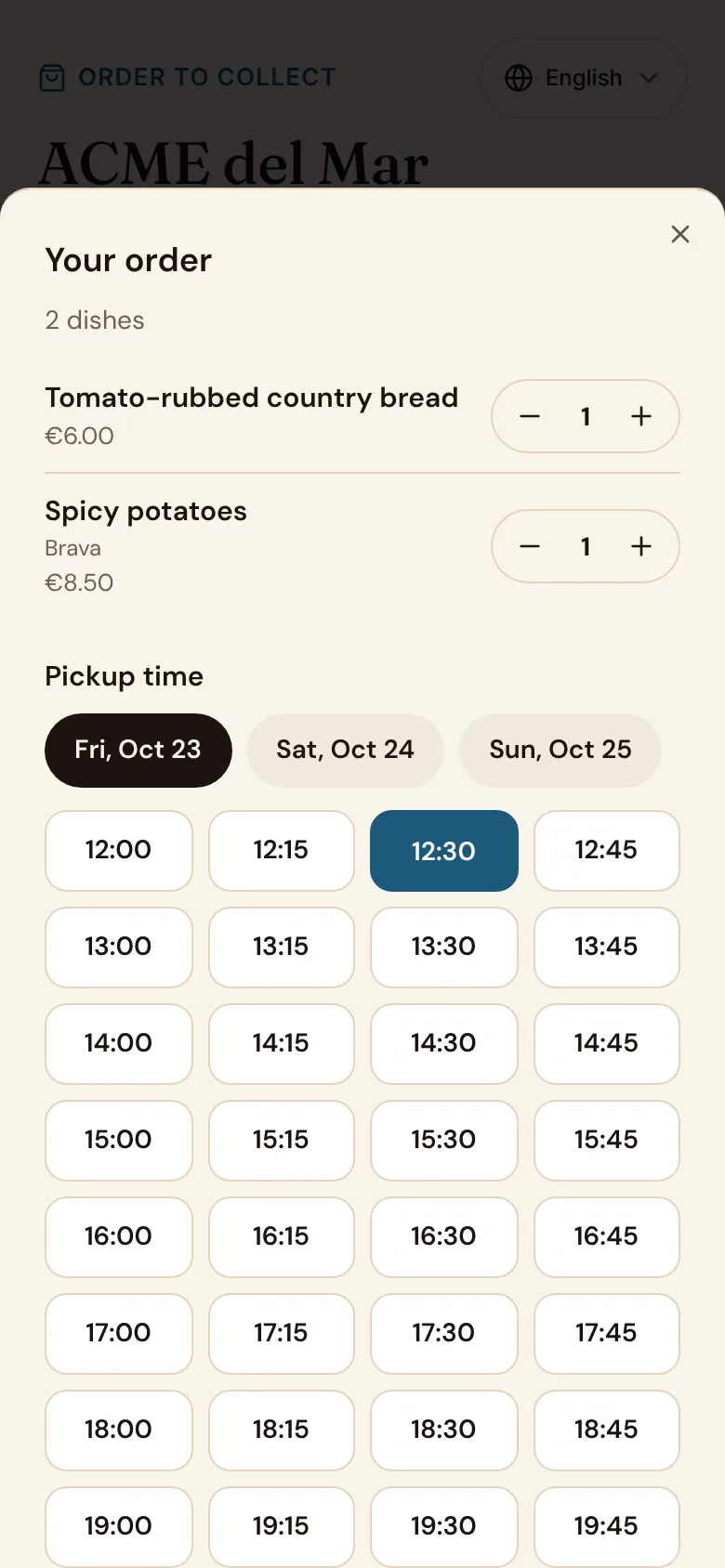
They order from your menu
The same menu, prices and allergens as at the table, in the guest's language.
They pick a time
Only times you can cook for: your hours, your preparation time and how many orders fit in each slot.
They pay online
The order reaches the kitchen only once it's paid, so nobody forgets to collect.
The kitchen gets it on time
An order for later reaches the kitchen screen and the printer when its preparation time comes.
They're told it's ready
Tap Ready and the guest gets an email, and a text where your plan includes messages.
Your rules
You decide how much the kitchen takes
Set it once in Settings › Pickup, and pause it with one switch on a busy night.
At the counter
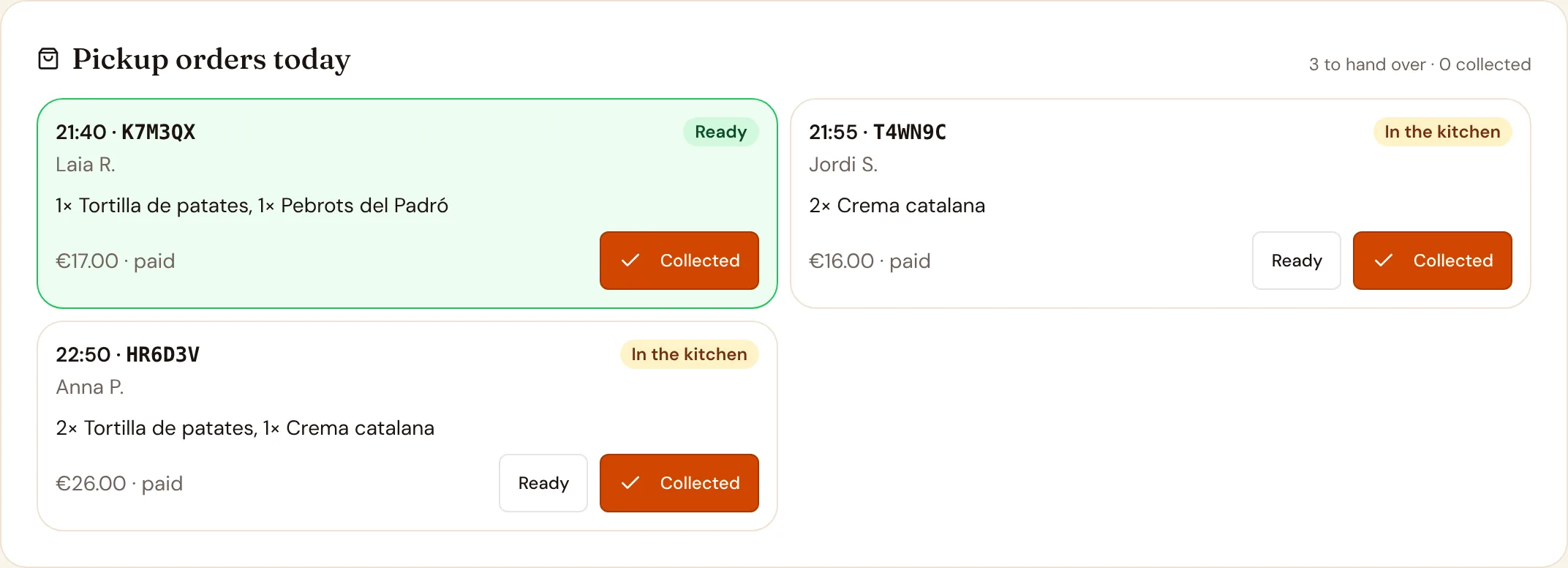
Today's orders in one place
Hoy and the floor show every pickup order of the day by time, with its code, what's in it and whether it's in the kitchen, ready or collected.
Your link and your website
One link for Instagram, Google and your window
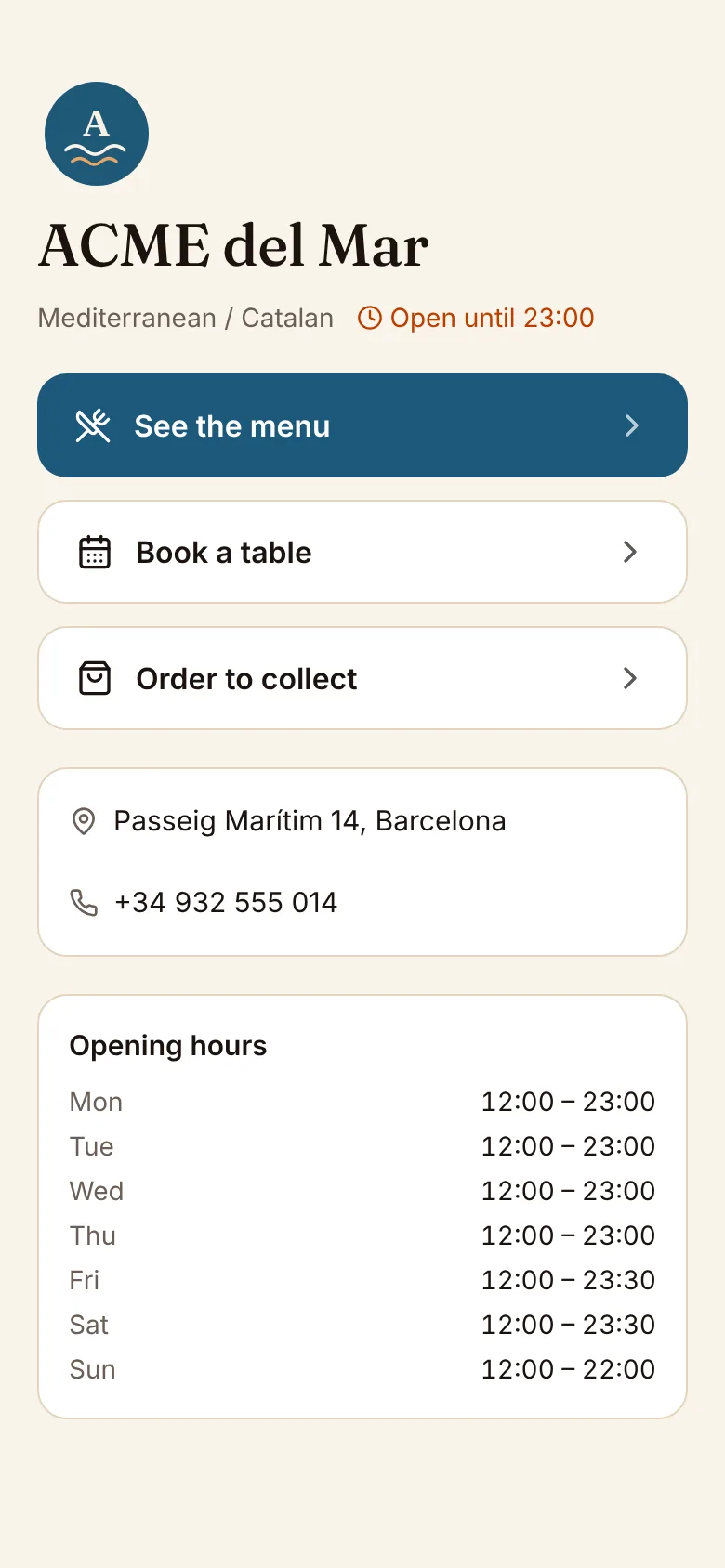
Every restaurant gets a short link with its own page: the menu, pickup, bookings, address and hours. Add a button or the whole menu to your own website with one line of code.
- Your link pageName, menu, pickup and bookings, address, phone and opening hours, ready to share.
- A QR for the windowThe same link as a QR code to print.
- On your websiteA floating button or the menu inside your page, in your colour.
Orders from ChatGPT, Claude and other assistants
Guests who ask an AI assistant for dinner can order pickup from you through the ComidaQR connector. They pay on your own pickup page, by the same rules as everyone else.
From Bistro