
The pass
Watch a service go by
These are the demo restaurant's open orders. Tap the buttons yourself, or let the kitchen run.
- Table T212 min ago
- 2× Patates braves
- 1× Fideuà del Maresme
- 2× Cava brut nature
- Table B16 min ago
- 1× Gambes a l'all
- 1× Sangria de la casa
- Table T326 min ago
- 1× Croquetes de pernil
- 1× Llobarro a la planxaSense ceba
- Table T441 min ago
- 1× Paella de marisc
- 2× Pa amb tomàquet
Ready to serve
- Table I274 min ago
- 2× Arròs negre
- 2× Crema catalana
Ready to serve
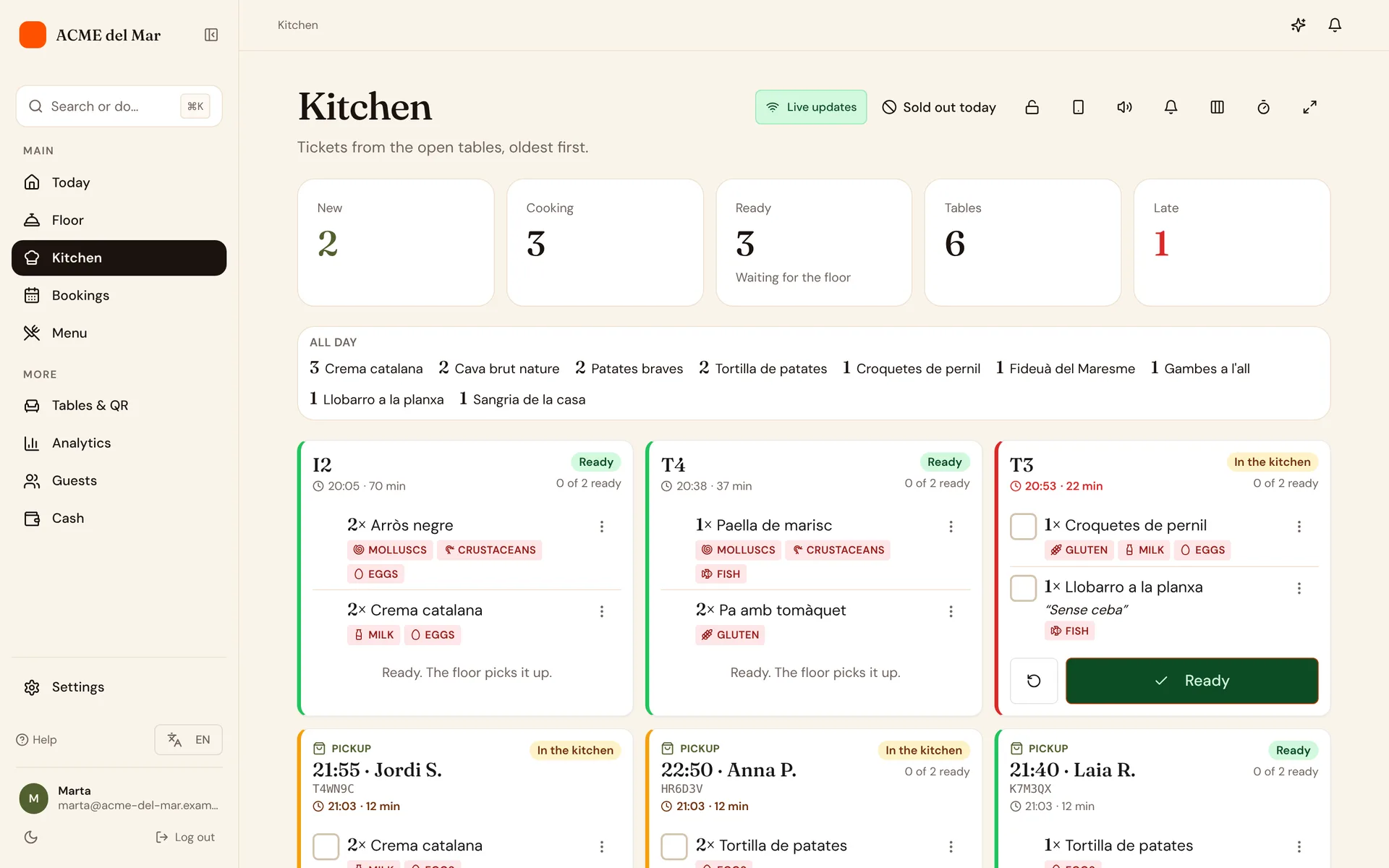
The kitchen screen
Built for a busy pass
Grouped by table
Each round arrives as its own ticket under its table, from new to preparing to ready.
Notes on the ticket
Variants and guests' notes, like "no onion", sit right under the dish.
A sound for every order
A beep and a pop-up for each new order. Both can be switched off.
Always up to date
Orders arrive live. If the connection drops, it reconnects by itself and shows that it's offline.
The floor app
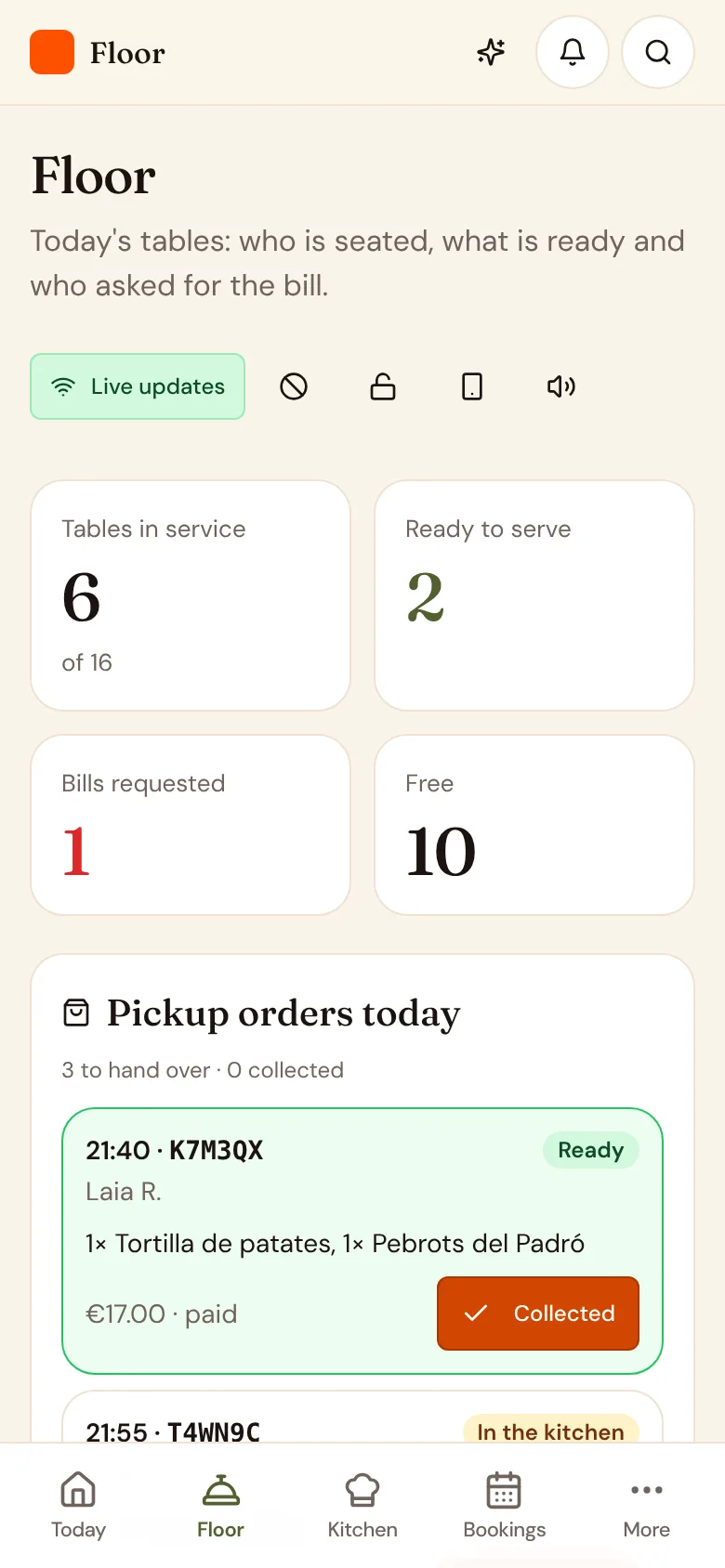
Three tabs, the whole room
The floor team carries the dining room in their pocket.
- TablesEvery table and its status. Seat guests and share the table's 4-digit code.
- ReadyDishes the kitchen has finished, ready to take out.
- BillsTables asking for the bill, their payments and refunds, and settling up.
Your team
One key per role
Everyone signs in with their own account. Their role decides which screens open.
- Menu and translationsLocked
- Tables and QR codesLocked
- Floor appOpens
- Kitchen screenOpens
- ReservationsOpens
- Staff and rolesLocked
- AnalyticsLocked
- Settings and planLocked
Adding people
Invite, log in, done
Invite by email
Pick a role and send the invite. The link is valid for 7 days.
They log in
Each person uses their own account with the email you invited. No shared passwords.
Change it any time
Change someone's role or remove them from the team whenever you need to.
Some features depend on your plan.Compare plans
Also for the kitchen and floor
Built for real services
Printers, phones that lose signal and shared devices: the details that matter on a busy night.
Kitchen printers
Kitchen tickets and bills on an ESC/POS printer (bridge on your network)
From BistroA printer per station
Several printers by station (kitchen, bar, desserts)
From GrandeKeeps working offline
Orders and tickets work offline
From BistroAlerts on staff phones
Push notifications on staff phones
From BistroA PIN on shared devices
Staff PIN on shared devices
From BistroSeat numbers and courses
Seat numbers, split by seat and firing a course for the whole table
From Grande